7 Ways Speech Recognition Turns Audio into Actionable Knowledge
11/5/2026
7 Ways Speech Recognition Turns Audio into Actionable Knowledge
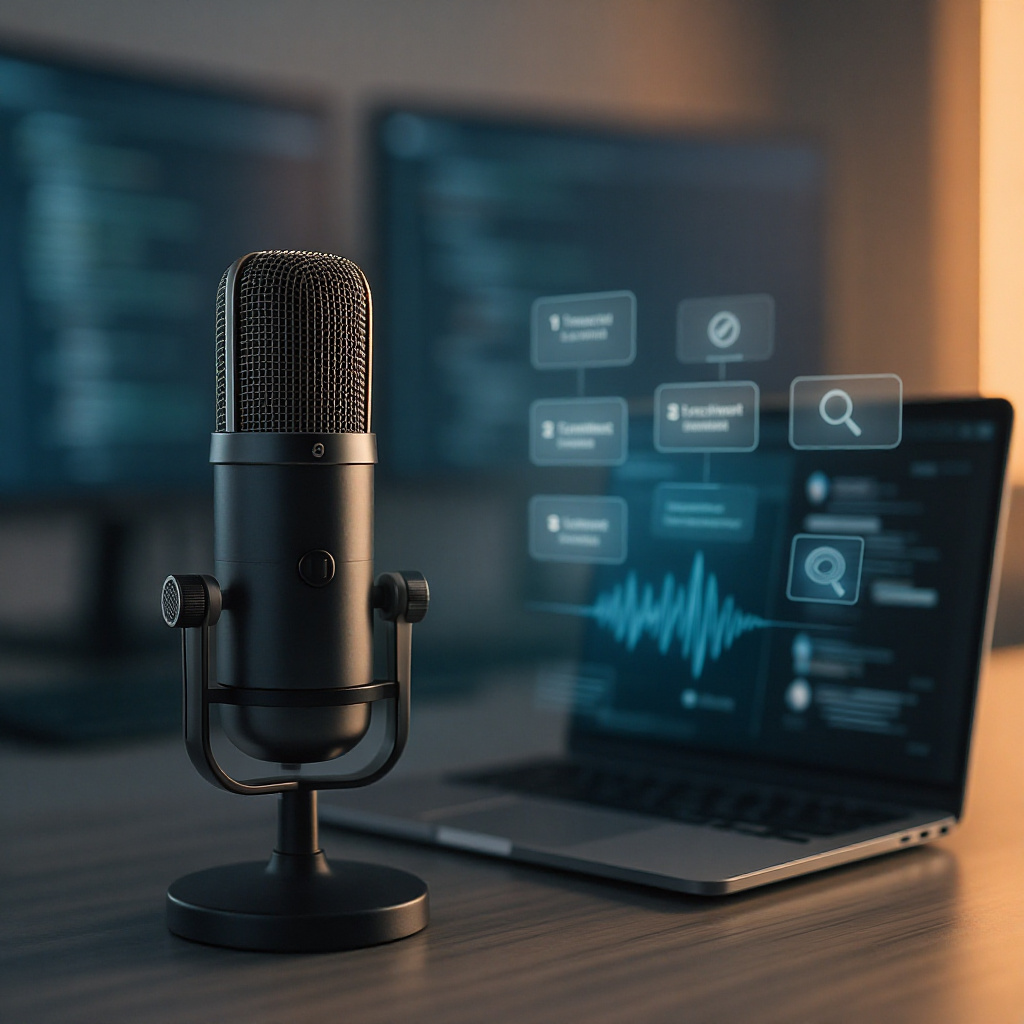
Speech recognition is more than a transcript generator. When it’s paired with the right outputs, structure, and safeguards, it becomes a practical workflow that helps teams capture decisions, reduce manual work, and find information fast—without re-listening to hours of audio.
- 1) Generate searchable transcripts (not just notes)
Convert audio into usable text you can skim, edit, and search. Instead of hunting through recordings, you can quickly find the exact segment where key details were discussed—often with timestamps for fast navigation.
- 2) Use confidence signals to know what to trust
Many systems provide confidence scores for words or segments. That signal helps you spot likely errors—especially in noisy audio, hard-to-pronounce names, or technical vocabulary—so you review only what matters most.
- 3) Improve quality with robust ASR fundamentals
Good transcripts rely on more than “listening.” Effective speech recognition typically includes audio preprocessing (noise reduction + voice activity detection), solid acoustic modeling (mapping sounds to language units), and language modeling (choosing the most plausible word sequences in context).
- 4) Handle messy real-world audio (noise, accents, and speakers)
Transcription quality drops when audio gets complicated—background noise, reverberation, accents, fast speech, overlapping talk, or domain jargon. Modern approaches address these issues and often surface uncertain spans so users can verify the few problematic parts instead of rechecking everything.
- 5) Structure long recordings so people can actually use them
Raw text doesn’t scale. To make transcripts usable for multi-hour sessions, prioritize speaker labels (who said what), clear turn-taking, segment-level timestamps, and sectioning (Agenda, Key Decisions, Risks & Open Questions, Action Items). Clean punctuation and consistent formatting reduce cognitive load.
- 6) Turn transcripts into insights with summarization + retrieval
The real payoff is what happens after transcription. AI can summarize long conversations into decisions, key points, and next steps—often linked back to timestamps. Then search and retrieval lets you jump from a keyword or concept (e.g., “pricing approval”) directly to the relevant moment in the recording.
- 7) Automate follow-up with workflow outputs and human-in-the-loop review
Transcripts can feed downstream tools: draft follow-up messages, populate CRM notes, route issues to the right team, and extract action items into checklists. For high-stakes domains (healthcare, legal, HR, compliance), use human-in-the-loop design—automation for speed, verification for correctness—especially for low-confidence segments or sensitive entities (names, dates, medication details, commitments).
When you combine these seven steps—quality transcription, confidence-aware review, structured outputs, summaries, fast retrieval, and safe automation—speech recognition becomes a reliable knowledge engine. You speak once, and your team can reuse what was said whenever it matters.